Media Compression
Drop images, videos, or folders to compress, convert, and resize for the web, Git repositories, and multimodal AI workflows. Everything runs locally on your Mac with no cloud uploads, no tracking, and no terminal tools required.

App Screenshots Coming Soon
PixelTamp is currently in final testing. Live interface previews will be published alongside the Mac App Store release.
Engineered for speed and effect.
A focused desktop utility instead of heavyweight editing suites or opaque cloud converters.
100% In-Process & Private
Compression runs entirely on your Mac using native frameworks and embedded libraries. Files never leave your machine, and the app makes no network connections.
Hardware Video Transcoding
Uses AVFoundation and VideoToolbox for hardware H.264 encoding, automatically relocating the MOOV atom to the start of the file for instant web playback.
Smart PNG Quantisation
Quantises graphics down to compact 8-bit palettes using an RMSE perceptual check, falling back to lossless 24/32-bit Deflate whenever gradients or photos risk banding.
EXIF Auto-Rotation Normalisation
Applies EXIF rotation directly to the pixel grid before metadata is stripped, ensuring photos never display sideways in browsers.
GIF Optimisation & MP4 Video
Reduce multi-frame GIF palette sizes while preserving frame timing, or convert heavy animated GIFs into more efficient animated WebP or small, streamable MP4 videos.
Non-Destructive by Default
Original files are never overwritten unless explicitly configured. Compressed versions are saved alongside with a suffix, or routed to a dedicated output folder.
Opinionated Web Presets
Three calibrated presets (Tamped, Lossless, Aggressive) handle colour tables, chroma subsampling, and bitrate targets without manual codec configuration. No technical hurdles for users.
Recursive Batch Processing
Drag single files, groups, or nested folders. PixelTamp discovers all supported media and processes the queue across available CPU cores.
Engineered for demanding workflows.
From pre-prompt AI staging to lean Git repositories, PixelTamp handles media preparation without leaving your Mac.
AI & Multimodal Vision Staging
Multimodal models charge API tokens per image tile. Feeding uncompressed 48MP photos burns token budgets and transmits private GPS data. PixelTamp resizes to optimal vision dimensions and strips metadata locally in milliseconds.
- Up to 80% reduction in vision API token consumption
- Strips location and camera serials before cloud upload
- Avoids context timeouts and payload size limits
Git Repositories & CI/CD Pipelines
Committing uncompressed media creates permanent repository bloat in Git packfiles. Running image decoders inside CI builds burns paid runner minutes. PixelTamp optimises assets locally on your Mac before they are staged in Git.
- Prevents Git repository bloat without Git LFS
- Eliminates heavy image transformation steps in CI
- Speeds up clone and deployment times for teams
Bug Reports & Ticket Attachments
macOS screen recordings saved as .mov files routinely exceed 80MB and keep index headers at the end of the container. PixelTamp transcodes them to web-optimised H.264 MP4 with faststart playback under GitHub and Linear size limits.
- Converts 80MB+ captures to under 5MB MP4 files
- Relocates MOOV atom for instant browser streaming
- Fits within GitHub, Linear, and Slack upload limits
Confidential Client Media & NDAs
Browser-based compression services transmit client files to remote servers, violating strict non-disclosure agreements, GDPR, and enterprise compliance. PixelTamp requests zero network entitlements and processes media entirely in-process.
- Zero network calls or remote server dependencies
- Full compliance with enterprise NDAs and confidentiality
- No file size caps, queue limits, or subscription paywalls
Assess the compression quality for yourself.
Slide back and forth to compare camera-quality JPEGs with PixelTamp's optimised output at identical resolutions. Massive byte savings with virtually indistinguishable visual fidelity.
These are real-world examples of PixelTamp's compression. Not simulations.
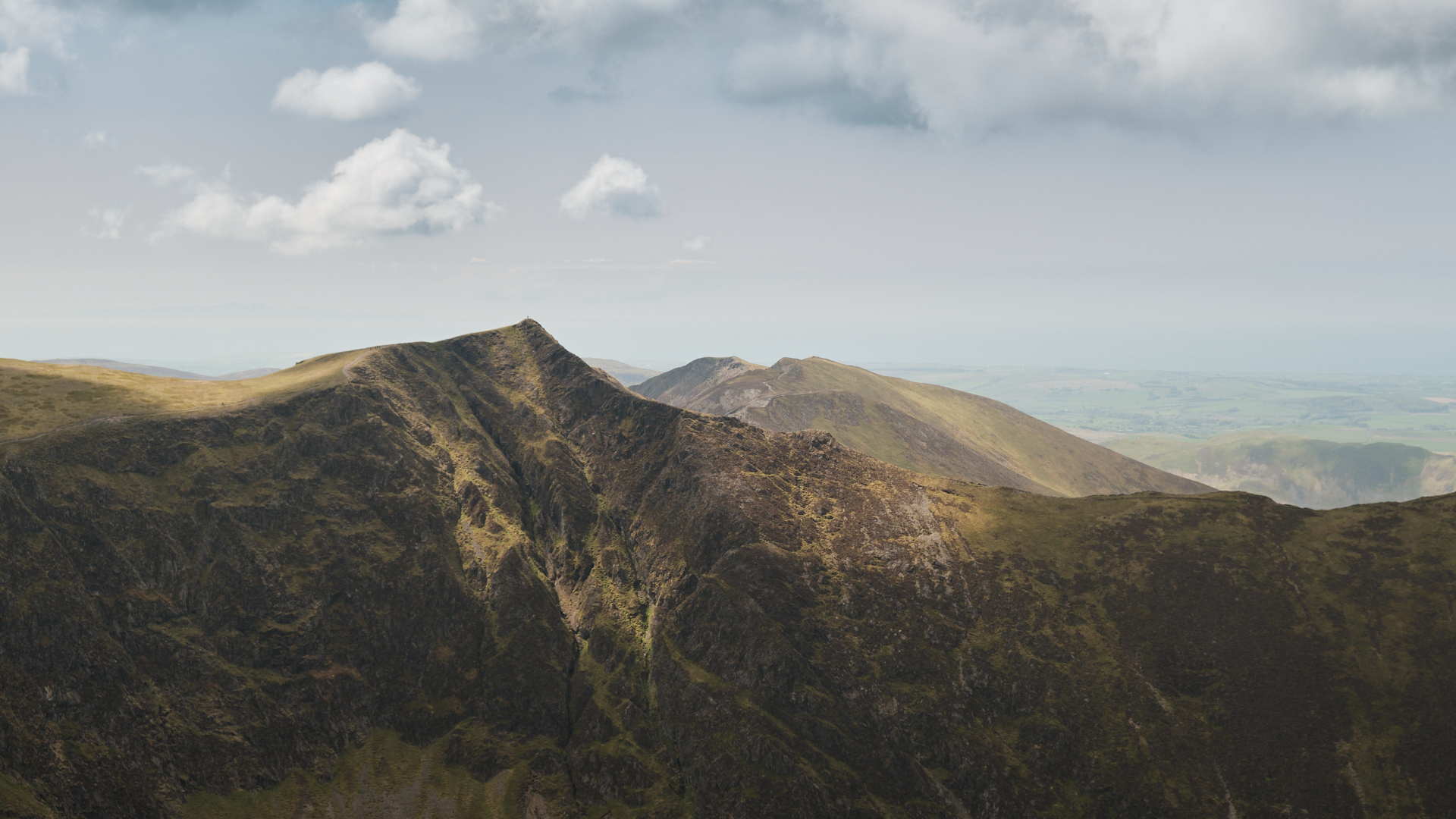
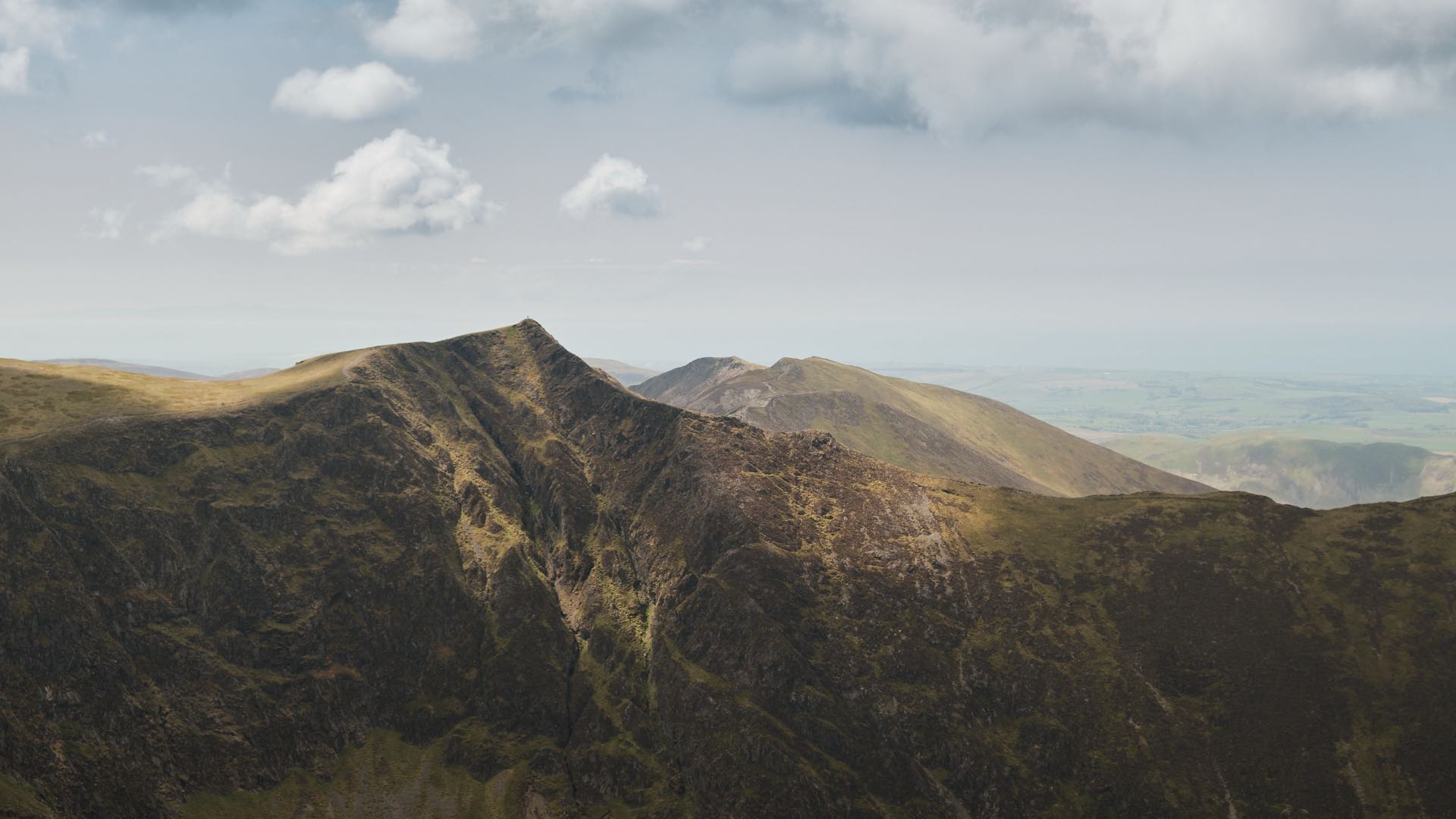
All samples exported from Capture One as 95% quality JPEGs at target resolution, to reflect real-world high quality photography.
Switch to 100% zoom and drag the image to inspect compression artefacts at 1:1 pixel scale.
Three presets for everyday web workflows
Even when CDNs generate responsive derivatives on the fly, uploading hundreds of 20 MB raw camera exports wastes storage and CDN usage will add up. PixelTamp makes it so easy to optimise source files before upload.
Instead of dozens of sliders and codec settings, three presets cover every production need, making it straightforward to hand to colleagues and clients alike.
| Feature / Format | Tamped Default · Optimal balance | Lossless Max fidelity · 0% pixel loss | Aggressive Max byte reduction |
|---|---|---|---|
| JPEG / JPG | Very high quality | Visually lossless · Metadata stripped | Good quality |
| PNG | Adaptive 8-bit Quantizer · Truecolour fallback | Full 24/32-bit lossless deflate stream | 8-bit Quantizer (256 cols) · Floyd-Steinberg dithering |
| WebP | Very high quality | Visually lossless | Good quality |
| Video (H.264 & AAC) | High quality · 192 kbps AAC · faststart | Very high quality · 192 kbps AAC · faststart | Good quality · 128 kbps AAC · faststart |
| Animated GIF | 256-colour palette reduction or MP4 transcode | Preserve frame metadata & timing | 128-colour palette reduction |
| Resolution & Sizing | Independent constraints for images and videos (common sizes) · Custom presets · Never upscales | ||
| Best Suited For | Web hero images, blogs, product sites | Design system icons, UI mockups, logos | Email newsletters, background assets, bandwidth-limited targets |
Clean Source Assets
CDNs can resize images, but uncompressed camera files still slow down CMS uploads and drive up storage. PixelTamp trims master files before they leave your Mac.
Simple Client Handoff
Avoid confusing quality sliders. Developers and designers can give PixelTamp to content editors for consistent, reliable media preparation.
macOS Specifications
Ready to optimise your web media?
Fast, private media compression designed specifically for macOS.